Editor Menu Settings & Options
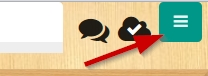
Use the menu in the top right corner to access project management features and settings. |
|
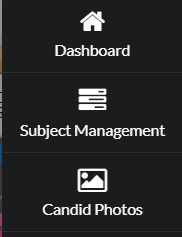
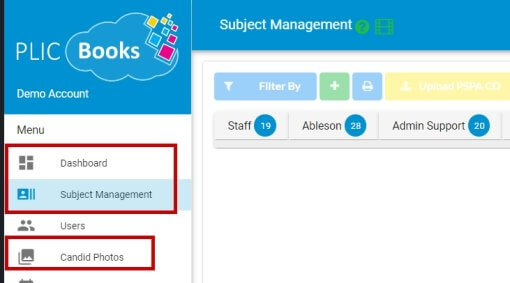
| Access your dashboard, portrait photos (Subject Management) and Candid Photos. |
|
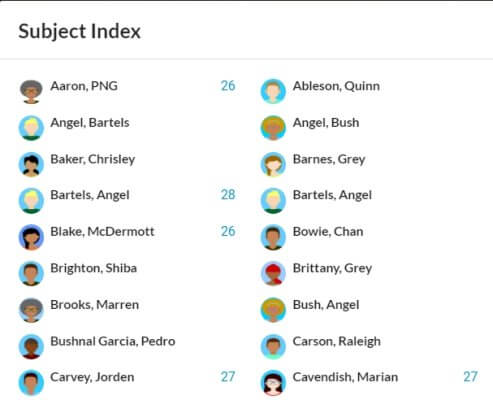
| Generate a coverage list to see where people’s images are located in your book. This includes tagged candid images. |
|
| Access an overview of your book status, to see which user is assigned to particular pages to track user activity, to turn page numbering on/off, to roll back your entire book to a different save point, and to add words to your book’s dictionary. |
|
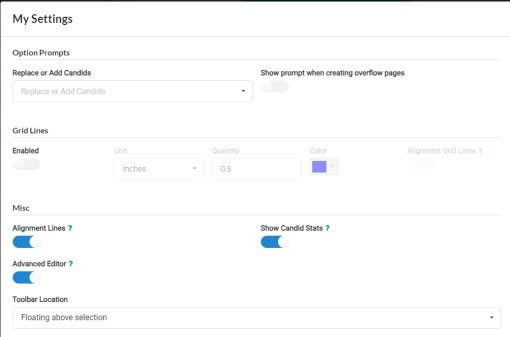
| Set your preferences for certain features in your book: how candid groups are added to pages, grid line settings, alignment and editor tools, used image counter, and toolbar location. |
|
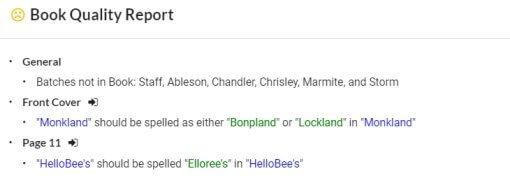
| Generate a review of possible issues, including a spellcheck for your entire book. |
|
| View the Knowledge Base or see what features have recently been added to the software. | |
| Log out of your book – you will return to the general login screen. |
|