Image resolution warnings
Low resolution images are tinted red to help avoid quality issues with your printed book. Low res images may bring with noticeable pixellation. If you choose not to replace or resize a low-res image, it will not print with the red overcast. |
|
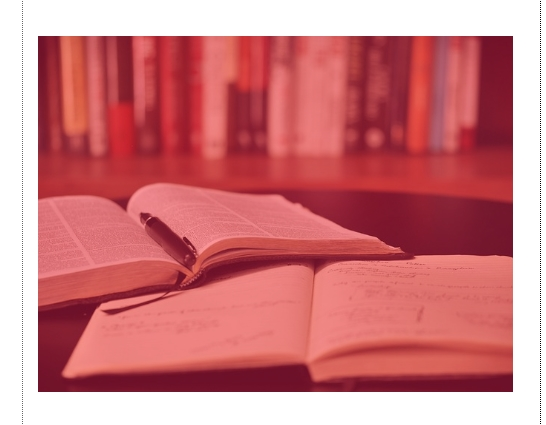
Resolution warnings are triggered when falls below your publishers dots-per-inch (DPI) tolerance. DPI is a measure of the number of available pixels spread over the dimensions at which the image is sized.
Books are printed at 300 DPI, so the warning occurs at a level where you may start to notice visible blurriness or pixilation on your printed page. Keep in mind that serious quality issues may not be visible on your computer screen, but will be more visible on a printed page.
For example, an image that is printed at 8.5x11 at 300 dpi will have a resolution of 2550 x 3300 pixels. If the image is only sized to 1275 x 1650 pixels, then the resolution will only be 150 DPI, so the dots per inch on the page will be much fewer in quantity leading to a pixeled look on the page.
Try resizing low-res images to a smaller dimension on your page to increase their DPI. Be particularly mindful if you receive a warning for an image on your cover or a feature image on an interior page, such as an enlarged portrait image or your school logo.
Quality reportsClick on the right-hand corner burger menu to access a Quality Report for your book.
|
|
The Quality Report will show any possible spelling mistakes as well as a list of pages with low resolution images |
|