
Generating a Preview Proof
Edited
Advisers may generate a watermarked preview proof of the entire yearbook directly in Captura Yearbooks. Preview proofs may be generated at any time to review your work-in-progress.
Launch the book in the editor, then click on Preview at the bottom of the page. |
|
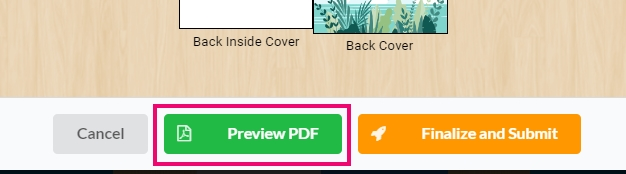
Click on Preview PDF at the bottom of the preview window to generate a proof. This process may take a few minutes. |
|
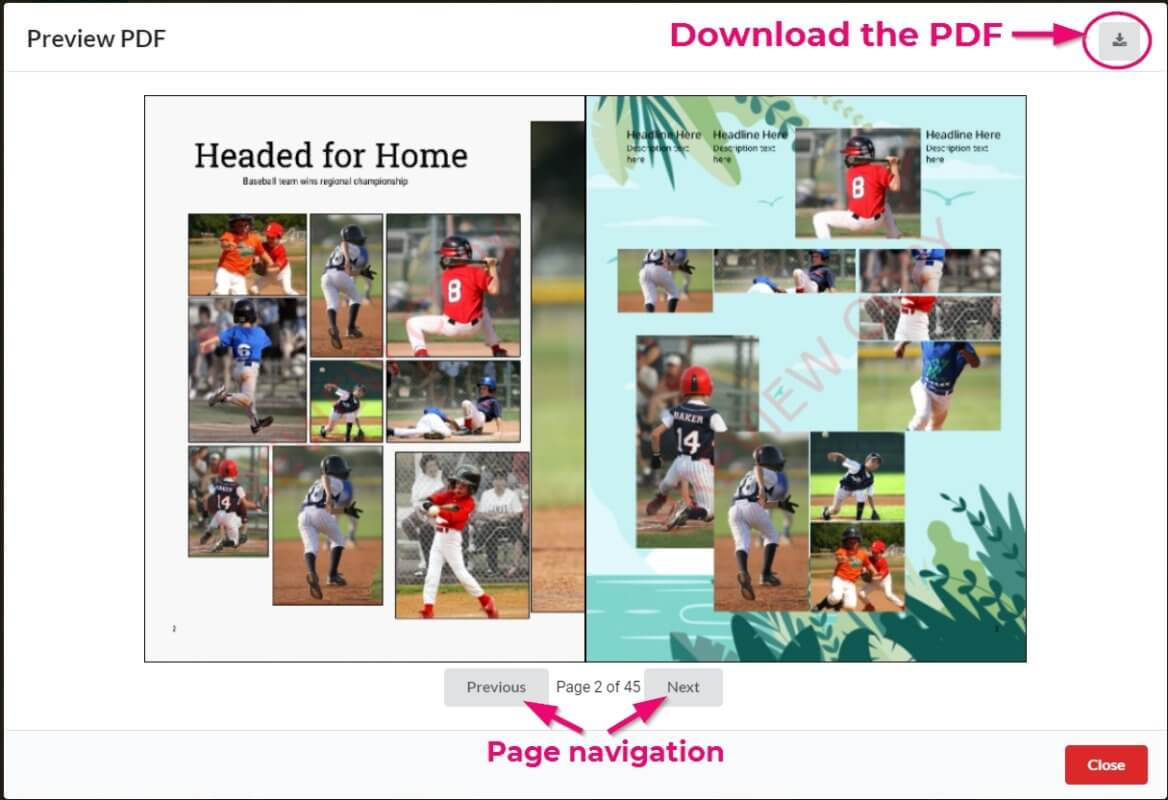
When the preview appears, use the Previous / Next buttons to look through the pages. Click the Download button in the top right corner to receive a watermarked pdf file that you can share with colleagues outside of Captura Yearbooks. |
|

Was this article helpful?
Sorry about that! Care to tell us more?