
Submitting Your Book to Print
School Adviser may submit the yearbook to their publisher. Once the book is submitted, it will be locked from editing. Contact your publisher for next steps (unlocking for additional edits, ordering, etc.) if they have not provided you with instructions.
To submit the book to your publisher:
Launch the book in the editor.
Click the Preview button at the bottom of the screen.

Click the Finalize & Submit button at the bottom of the book preview.

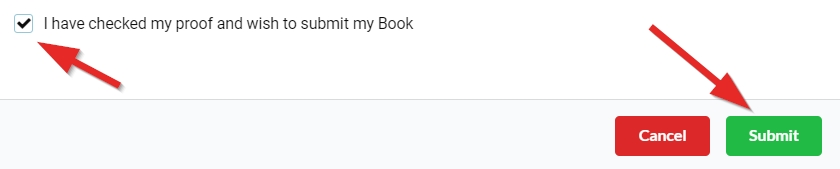
Review the list of warnings and suggestions. If there is nothing to change, tick the “I have checked my proof and wish to submit by book” box then click the Submit button.
The book will be rendered to pdf files that are made available to your publisher. Reach out to them for next steps if you are not notified of next steps for review, ordering and other details.