
Process Rendered Images
Edited
To print a folder of already rendered images from your computer through RipLynx!
1. Go to Print>Process Rendered Images
2. Browse out for your folder of images on your computer
3. Select your RipLynx! configuration to print with
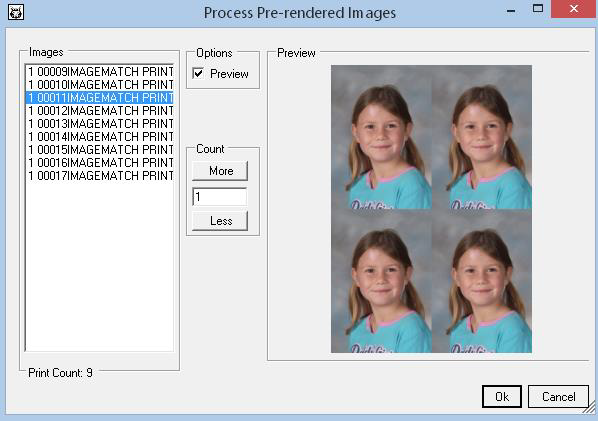
4. Your Process Pre-Rendered Images screen will appear. Here you can preview your images. If everything looks ok, press the OK button
5. You will see RipLynx!© begin rendering your printer setup in your configuration
Was this article helpful?
Sorry about that! Care to tell us more?