
Refunds & Chargebacks
Brief Overview
Learn how to process refunds in Captura Workflow, understand chargeback handling, and review Captura’s refund policy and limitations.
Overview & Objective
This article explains how to process full and partial refunds in Captura Workflow, what happens when a chargeback occurs, and when refunds must be handled directly by the studio.
Using refunds correctly helps studios resolve customer issues quickly while keeping order records accurate and up to date.
Setup / Configuration
Before processing refunds in Captura Workflow:
Your studio must have a successfully linked and verified Stripe account
Your user account must have permission to process refunds
Orders processed before your Stripe integration may require assistance from Captura Product Support
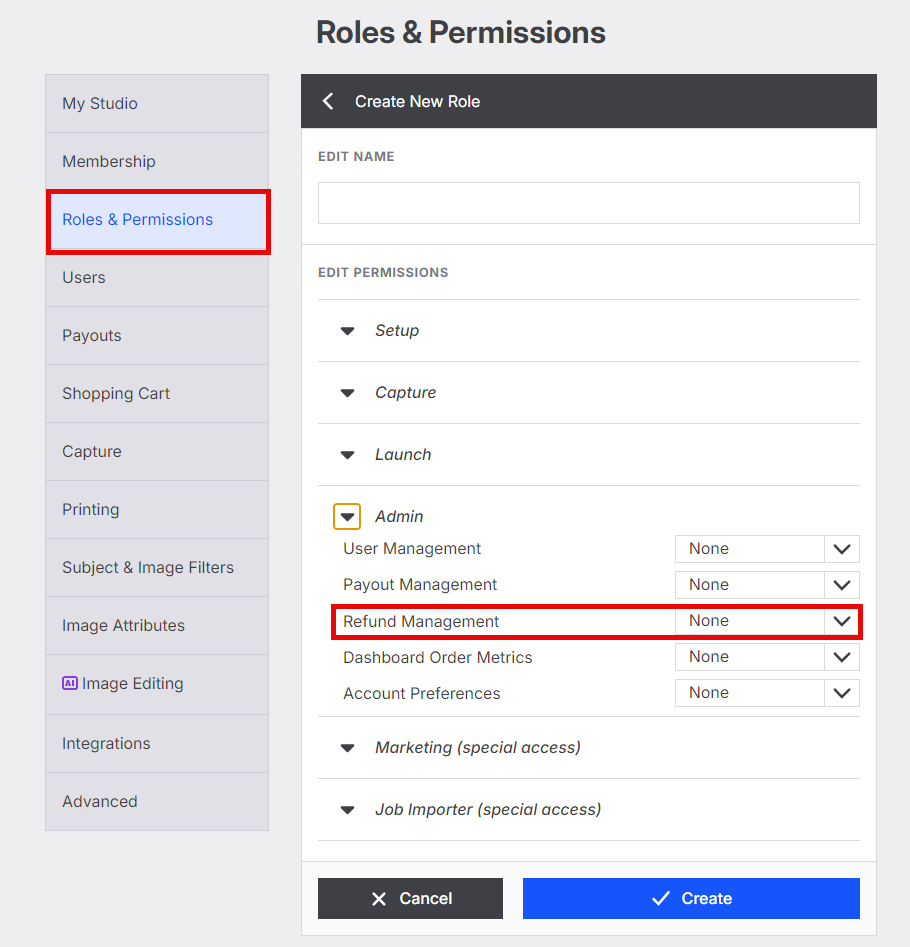
💡 PRO TIP: Refunds can only be processed in Workflow within 90 days of the original transaction date. Orders older than 90 days must be refunded directly by the studio.
Step-by-Step Instructions
Refund an Order in Captura Workflow
Open the Orders table in Captura Workflow
Locate the order you want to refund
Select the checkbox next to the order
Choose Refund Order from the action dropdown menu

Complete all required refund details
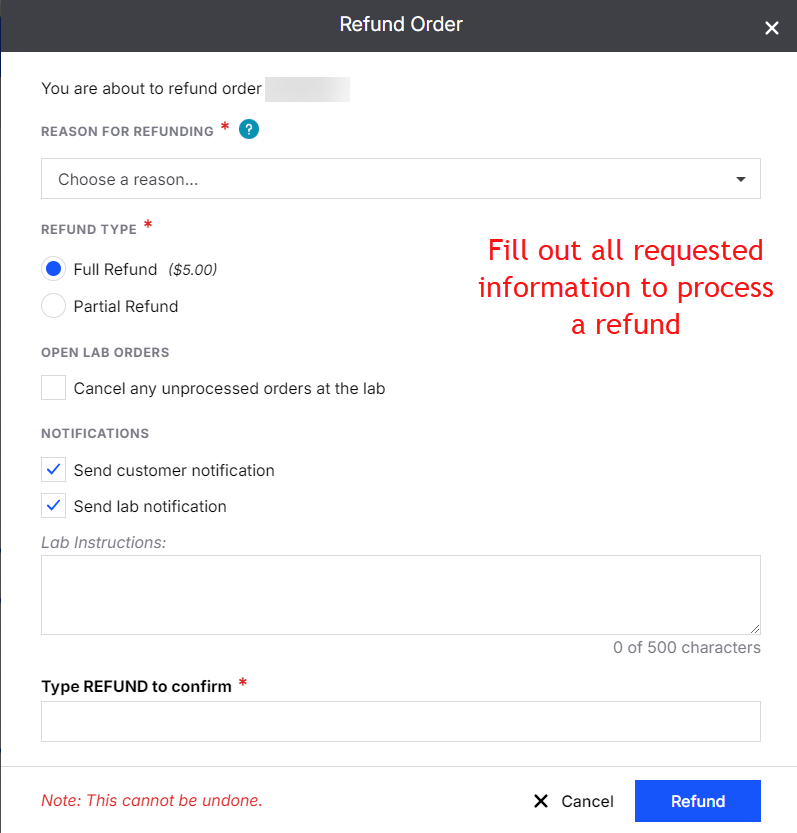
Choose whether to:
Process a Full Refund
Process a Partial Refund
Cancel an unprocessed order
Send a refund notification to the customer
Refund Types
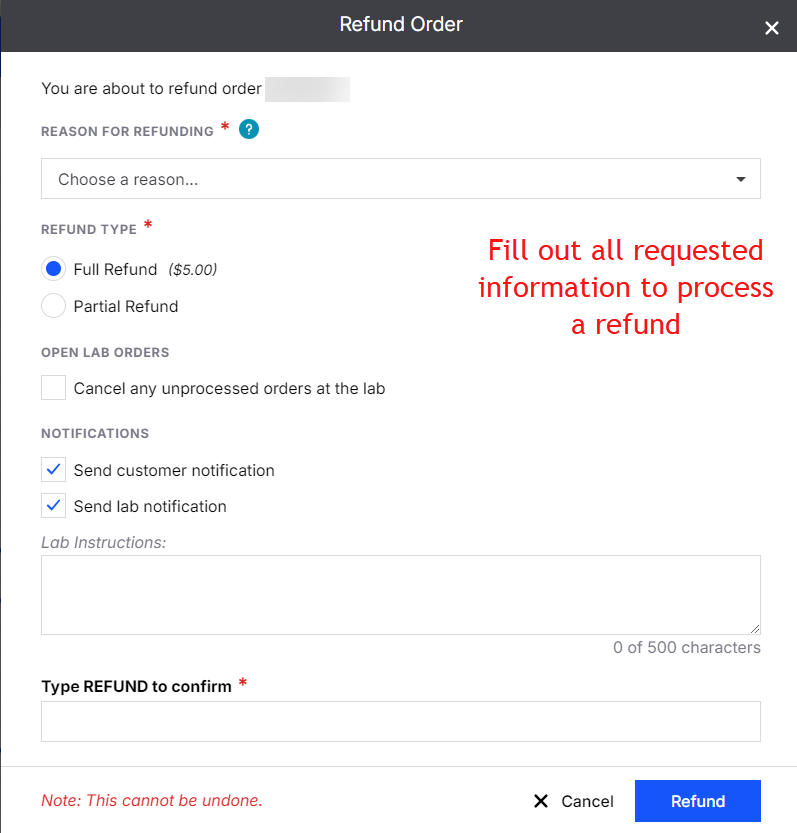
Full Refunds return the entire order amount, including commission and fees
Partial Refunds return a proportional amount of the order total, including related commission and fees
Submit the refund request
After submission:
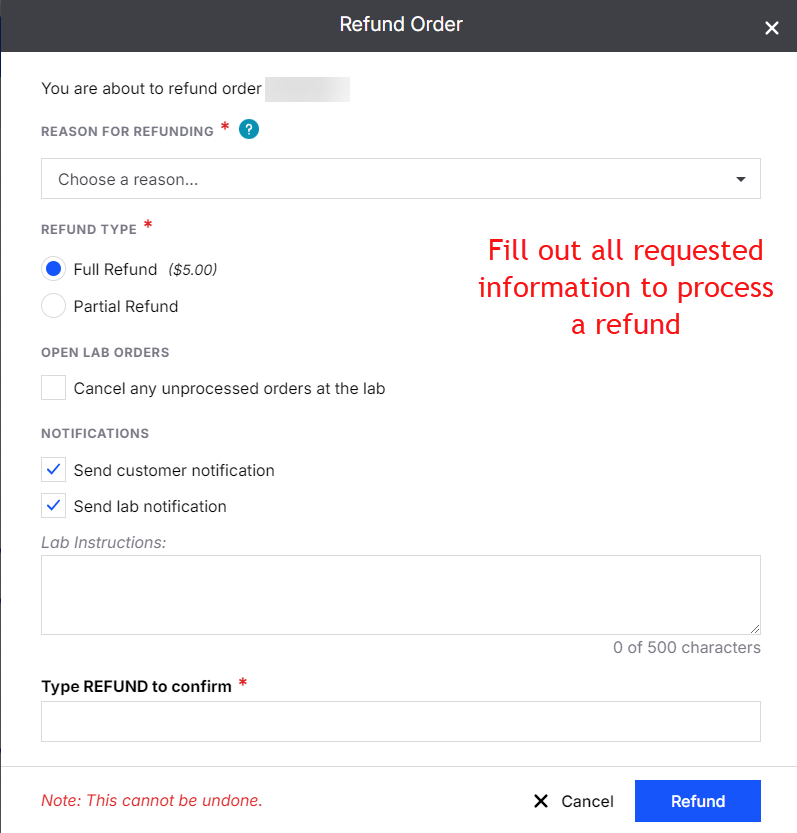
A confirmation message will appear
The order status will change to Archived
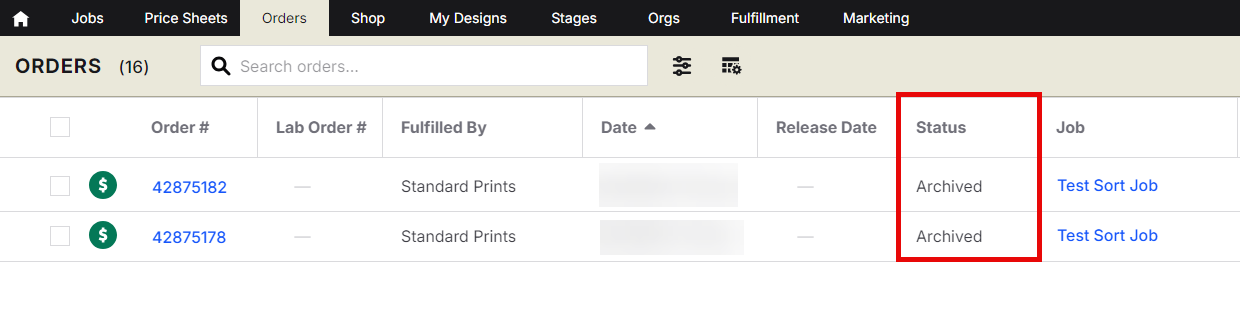
Allow 3–5 business days for the refund to appear in the customer’s bank account, depending on the financial institutions involved.
Advanced Options/Additional Rules
Refund Time Limit
Refunds can only be processed directly in Captura Workflow within 90 days of the original transaction date.
If the order is older than 90 days:
The refund must be handled directly by the studio
Workflow will no longer allow refund processing for that transaction
What Are Chargebacks?
A chargeback occurs when a customer contacts their bank or credit card provider to dispute a charge.
When this happens:
The original order funds are withdrawn
A chargeback fee (typically $15) is also charged
Both amounts are passed to the studio’s Captura account
These fees are determined by the customer’s bank and are not controlled by Captura.
What To Do If You Receive a Chargeback Notification
Contact your customer directly
Ask them to contact their bank and request a reversal of the dispute
Captura will submit the order invoice to the bank automatically
If additional documentation is needed, the Captura Finance team may request:
Tracking information
Refund policies
Additional order evidence
If the dispute is reversed:
Stripe will credit the order amount back to your account
If the dispute is lost:
The deducted funds and chargeback fee will remain on your account
Common Questions
Q: Can I refund part of an order instead of the full amount?
A: Yes. Captura Workflow supports both full and partial refunds.
Q: Why can’t I refund an older order?
A: Workflow only allows refunds within 90 days of the original transaction date. Older refunds must be handled directly by the studio.
Q: How long does it take for customers to receive their refund?
A: Most refunds appear within 3–5 business days, depending on the customer’s bank.
Q: What happens if a customer files a chargeback?
A: The disputed funds and chargeback fee are deducted from your account while the dispute is reviewed. If the dispute is reversed, the funds are returned to your account.