Captura Yearbooks Books - Studio/Lab Menu
What do the different menu options mean?
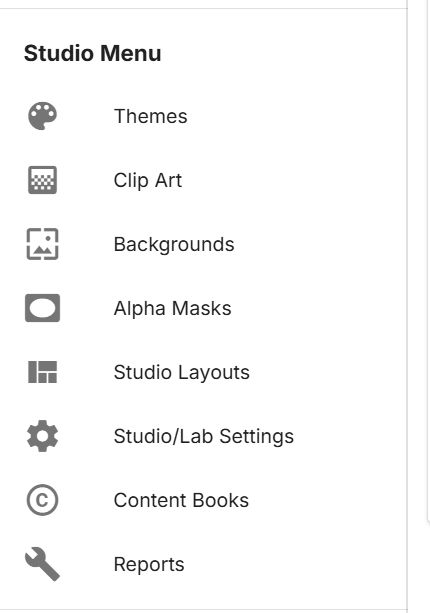
Just below your Menu, you will see your Studio/Lab Menu. Your options here are:
Themes – Use this option to upload different page themes for your schools to use in their yearbooks
ClipArt – Use this option to upload different cliparts for your school to use in their yearbooks
Backgrounds – Use this option to upload different backgrounds for your schools to use in their yearbooks
Alpha Masks – this will take you to the screen where you can upload different masks you can use on your subject images
Candid Layout Editor – Use this option to create different candid layout pages for your schools to use inside their yearbooks
Studio/Lab’s Settings – Use this option to turn on/off different options as well as customize your message your schools receive when a yearbook has been submitted
Reports- Use this option to get reports for Ads and Yearbooks sales.