
Getting Started with Subject Jobs
Edited
Brief Overview
Subject Jobs are designed for workflows where each subject has their own private gallery. Every subject receives a unique Online Code that gives them access to view and purchase only their own images.
This workflow is ideal for schools, sports, dance, and portrait photography, where images are organized by individual subject.
Step-by-Step Instructions
Create a Subject Job
Open Jobs.
Select New Job.
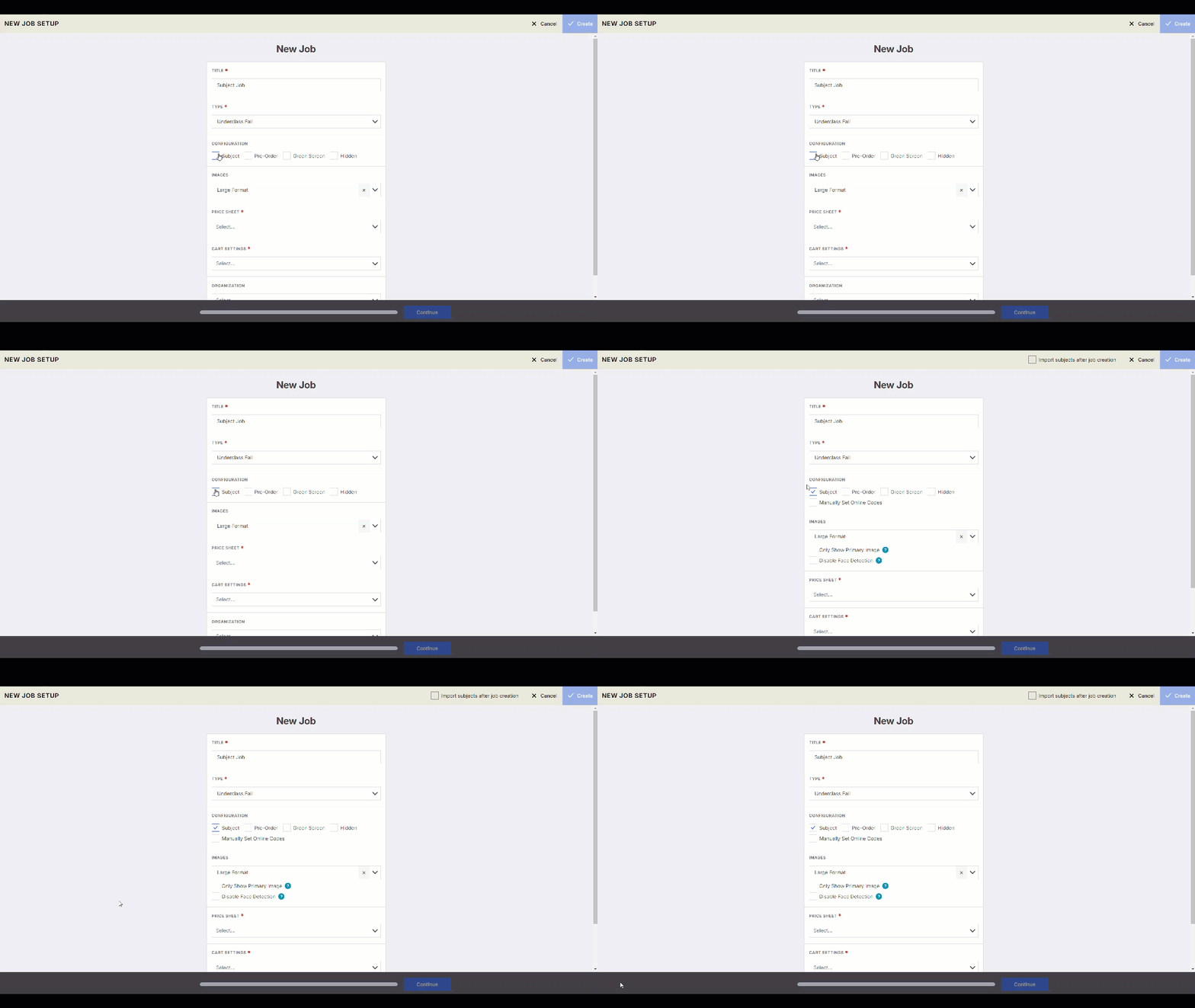
Complete the required job information.
Leave the Subject checkbox selected.
Save the job.
Your Subject Job is now ready for Subject Data and image imports.
Learn more about Importing Subject data and images here: Importing Subject Data & Images
password
code
subject
Was this article helpful?
Sorry about that! Care to tell us more?